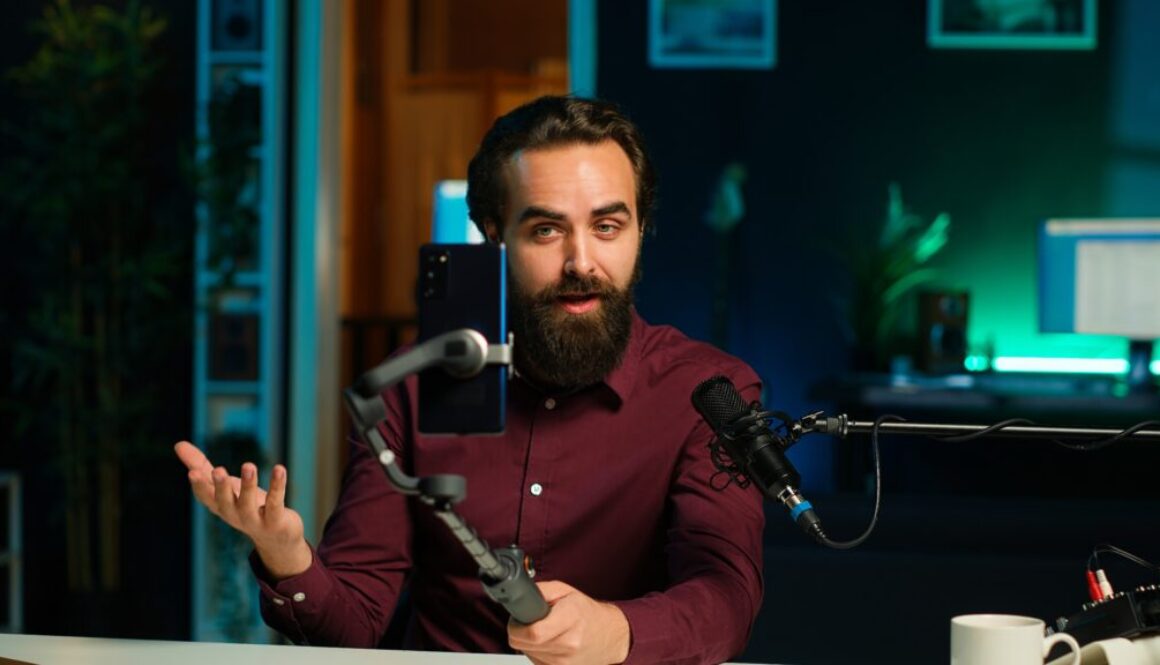
How to Start a Video Podcast in 2026 (Comprehensive Guide)
This is a simple step-by-step guide on how to start a video podcast. It includes strategies to monetize your podcast and earn passive income. If you’ve been contemplating the idea of starting a video podcast but you’re not sure where or how to begin, you’ve come to the right place to learn.
Podcasting — especially video podcasting — is one of the most powerful ways to build your brand, connect with audiences, and share compelling long-form content.
Unlike traditional audio podcasts, video podcasts combine the depth of audio storytelling with the visual engagement of video, giving you a stronger connection with viewers and enabling publishing across platforms like YouTube, Spotify, TikTok, Instagram, and your own website.
Keep reading to learn how to start a video podcast and make money from your show. Plus, we’ve included a detailed comparison of the 5 best podcast hosting platforms to help you make an informed decision as a beginner podcast creator.
Let’s go!
[Full Disclosure: This article contains affiliate links. As an affiliate, FutureYoupedia.com receives compensation if you purchase through these links, at no extra cost to you. You can read our complete disclosure statement here.]
How to Start a Video Podcast: Step-by-Step Guide
Step 1: Plan Your Podcast Concept
Before you record a single frame, define your podcast concept. Here are key questions to answer:
1. What’s Your Topic & Audience?
Choose a niche or theme. Whether it’s technology insights, personal development, storytelling, entertainment commentary, niche hobbies, or interview series — clarity here makes scripting, editing, and marketing easier.
2. What Format Will You Use?
- Solo commentary
- Co-hosted discussion
- Interviews
- Panel roundtable
- Educational series
This step is critical when starting a video podcast because each format requires different preparation and recording setups.
3. Episode Length & Structure
While there’s no strict rule, many video podcasts range from 20 minutes to over an hour. Video episodes often skew longer than audio only, because viewers expect enriched content.
4. Branding Elements
- Podcast name
- Logo & artwork (square thumbnails are standard — 3000×3000 px recommended)
- Colors and fonts
- Intro/outro music
This content becomes the foundation of your podcast show’s identity.
Step 2: Choose a Podcast Hosting Platform
Once you drill down your podcast concept, you need a podcast host — the service that stores your podcast episodes and distributes them via an RSS feed to listening and viewing platforms, such as the Apple Podcast App and Spotify.
Podcast hosting platforms vary in features, pricing, and audience reach. Below are 5 of the best podcast hosting platforms:
- Riverside
- Buzzsprout
- Captivate
- Castos
- Transistor
Continue reading to see which of these 5 top podcast hosting platforms is best for you based on their pricing, key features, pros, and cons.
The 5 Best Podcast Hosting Platforms to Start a Video Podcast
1. Riverside
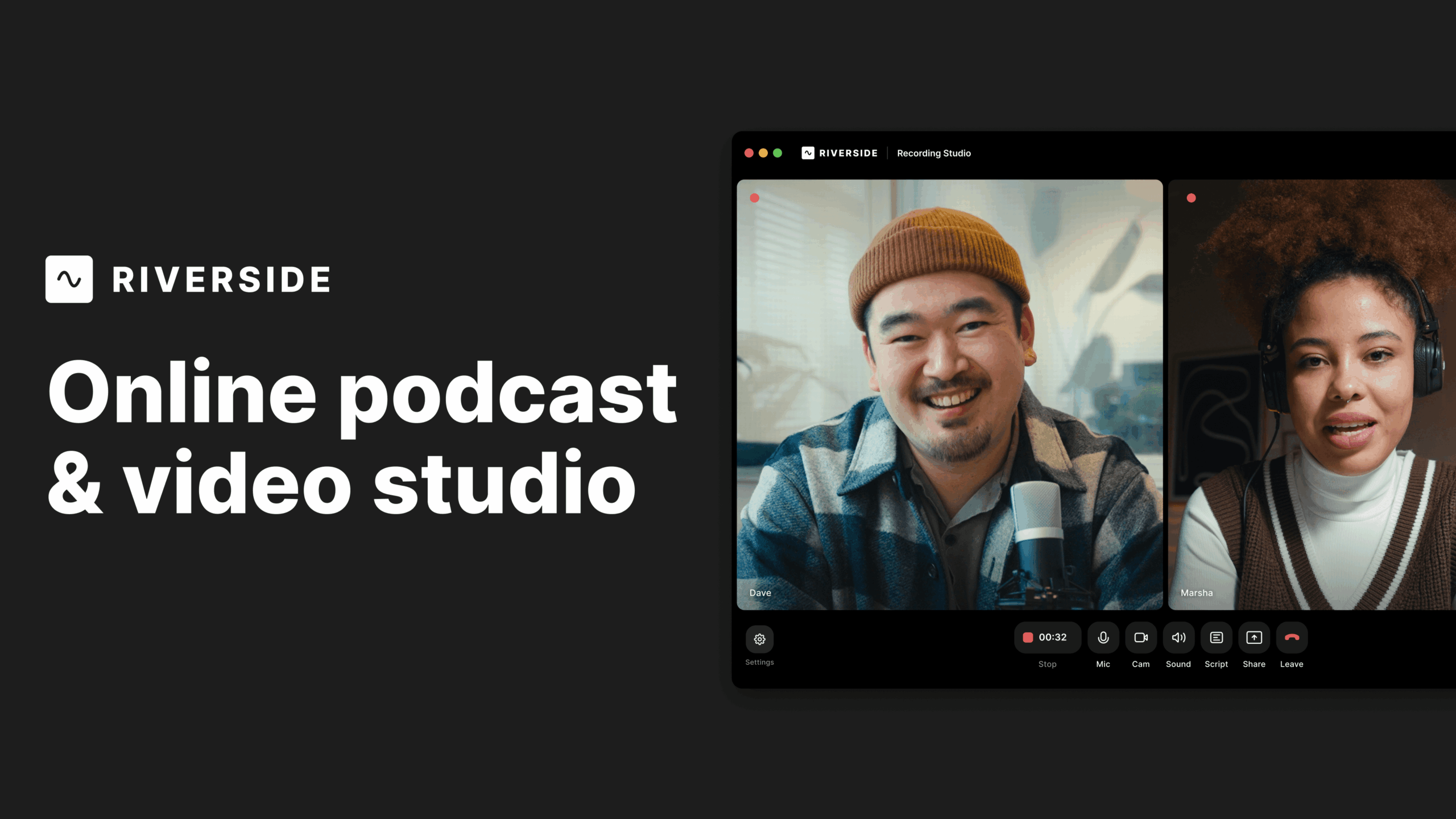
Best for: Beginners and current podcast creators who want a free or low-cost all-in-one podcast hosting platform with robust recording, editing, hosting, and distribution capabilities.
Key strengths:
- Video and audio recording in high quality 4K HD
- Built-in hosting, so you don’t need a separate host
- Connect & distribute directly to Apple Podcasts, Spotify, and YouTube via hosting panel
- AI-assisted features, show notes, transcripts, and clip generation
- Unlimited cloud storage on paid plans
Considerations:
- Paid plans are required for full hosting and distribution tools. Nonetheless, the free plan provides essentially everything you need as a beginner.
Pricing: Plans vary, starting with recording tools and including hosting features on paid tiers.
2. Buzzsprout
Best for: Beginners seeking a user-friendly hosting experience with solid analytics and simple distribution workflows.
Key features:
- Easy upload and distribution
- Podcast website included
- WordPress plugin for embedding episodes
- Automatic episode optimization
Pros: Great support, simple interface, built-in website tools, and detailed analytics.
Cons: Video podcast support is limited compared to specialized tools like Riverside.
Pricing: Plans vary, starting with recording tools and including hosting features on paid tiers.
3. Captivate
Best for: Beginner and experienced podcasters who want unlimited hosting with strong growth and monetization features built into every plan.
Key features:
- Unlimited podcasts and storage — upload as many shows and episodes as you want without caps on files or overall storage.
- Built-in podcast website with customizable layouts and your own domain option so your show has a central online presence.
- Monetization and growth tools such as dynamic content insertion (AMIE), listener tips, custom memberships, and a one-click media kit to help you monetize and promote your podcast.
- Advanced analytics that include IAB-certified listener data, download stats, geography, and trend insights to help you understand and grow your audience.
Pros:
- All core features are available on every plan, so you don’t lose tools as you scale.
- Unlimited shows and uploads make it easy to expand your podcast network from a single account.
- Focused tools and resources for audience growth — including calls to action, promotion tools, and integrated marketing support.
Cons:
- There’s no free tier — only a free trial, and paid plans are based on monthly download limits rather than true unlimited bandwidth.
- The podcast website and marketing features, while solid, can be less customizable than standalone web builders.
- Video podcast support is limited compared with platforms that focus on full audio + video workflows.
Pricing: Plans vary, starting with recording tools and including hosting features on paid tiers.
4. Castos
Best for: Affordable, full-service podcast hosting with built-in monetization and an easy launch experience.
Key features:
- Truly unlimited hosting – upload as many shows and episodes as you want without caps on storage or downloads.
- Includes a customizable podcast website so you can showcase your episodes, use your own domain, and give listeners a central hub for your show.
- Monetization tools like Castos Ads for dynamic ad insertion, listener donations, paid subscriptions, and private podcasting to help you earn from your content.
Pros:
- Plans are budget-friendly and work well for podcasters of all levels.
- Strong support for growing and monetizing your show, including automatic distribution to major podcast directories.
- Unlimited episodes and downloads mean you won’t outgrow the hosting itself.
Cons:
- Hosting doesn’t include advanced editing or recording tools — you’ll need separate software to produce your audio or video.
- While Castos supports video on higher-tier plans, its video features are not as deep as dedicated tools like Riverside or Descript.
- Customization options for the built-in podcast website are a bit more limited compared with standalone site builders.
Pricing: Plans vary, starting with recording tools and including hosting features on paid tiers.
5. Transistor
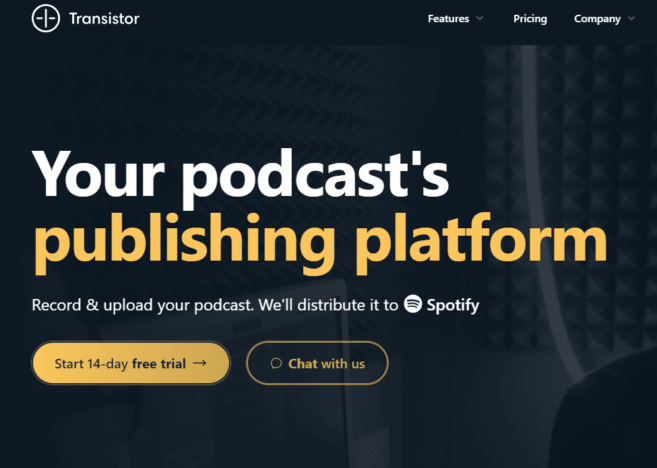
Best for: Teams or brands needing multiple show hosting and analytics.
Key features:
- Multiple podcast shows under one account
- Advanced analytics
- Professional audience reporting
Cons: No built-in recording tools — needs to be paired with a recorder like Riverside.
Pricing: Plans vary, starting with recording tools and including hosting features on paid tiers.
Quick Takeaways
- Riverside stands out if you want recording, editing, and hosting all in one package, though its hosting is less sophisticated than dedicated providers.
- Buzzsprout is arguably the easiest for beginners to set up and manage with clear analytics and basic promo tools.
- Captivate emphasizes growth and marketing tools, making it a strong choice if you want built-in audience-building features.
- Castos is especially appealing if you use WordPress or need private, member-only podcast feeds — plus easy republishing to YouTube.
- Transistor shines for networks or multi-show accounts and offers in-depth analytics and ad tools in a clean UI.
Step 3: Acquire Podcast Recording Equipment
You don’t need expensive Hollywood-level gear to start a video podcast — but quality counts. At minimum you need:
A. Camera
- Webcams — Easy and affordable
- DSLR/Mirrorless — Better depth, color, and high-quality video
- Smartphones with tripod — Great in a pinch; iPhones with HD 4K video recording are ideal
B. Microphones
Audio quality is critical — viewers tolerate average video but not poor audio.
- USB mics (Blue Yeti, Rode NT-USB)
- XLR mics with audio interface (for even better audio)
C. Lighting Equipment
Good lighting eliminates shadows and improves visual quality.
- Ring lights
- Softboxes
- LED panels
D. Backdrop & Set Design
Clean and branded — clutter can distract viewers. Personal touches like posters, plants, or relevant props create a professional but inviting space.
Step 4: Record & Edit Your Video Podcast
The best podcast hosting platforms provide professional tools for recording remote and in-person video podcasts, including but not limited to:
A. Studio-Quality Video & Audio
The most popular podcast hosting platforms use local recording, which captures high-resolution video and separate audio tracks on each participant’s device, ensuring clarity even if internet speed fluctuates.
B. AI Tools & Editing
Built-in tools generate:
- Captions
- Transcripts
- AI-assisted edits
- Highlight clips for promotion
These help you streamline post-production and maximize content value without external tools.
C. Built-in Hosting & Publishing
The best podcast hosting sites typically include podcast hosting directly on the platform (included in paid plans), letting you:
- Create an RSS feed
- Publish episodes
- Distribute to audiences via Apple Podcasts, Spotify, and YouTube with one click.
This gives beginner podcasters access to an all-in-one platform — to record, edit, host, and publish — without juggling multiple apps.
D. AI Content Repurposing Tools
The most popular podcast platforms also have AI agents to help generate show notes, titles, promo clips, and thumbnails — a huge time-saver for beginner and experienced podcast creators.
Step 5: Publish and Distribute Your Podcast
Generate an RSS Feed
To share your podcast with directories (like Spotify or Apple Podcasts), you need an RSS feed from your podcast host. Any of the top 5 podcast platform hosts on our list above can create and manage your RSS feed for you once you sign up on the platform.
What is an RSS feed? An RSS feed stands for “Really Simple Syndication”. It is a standardized, computer-readable XML file that automatically delivers updates from websites, blogs, or podcasts to a user. It allows subscribers to track new content in one place via an “RSS reader” or “aggregator,” removing the need to manually visit each site
Submit to Major Platforms
You’ll want your podcast on as many directories as possible. This will allow you to reach a larger audience of listeners. Popular podcast directories include Apple Podcasts, Spotify, and Youtube.
– Apple Podcasts
- Submit your RSS feed via Apple Podcasts Connect
- Approval may take several days
– Spotify
- Can connect through Spotify for Creators or via your RSS feed
- Spotify supports video podcasts and audio content.
– YouTube
Upload your video content directly to your YouTube channel. The podcast platform of your choice can help distribute to YouTube once connected from the hosting interface.
Step 6: Build a Website for Your Podcast
GoDaddy + WordPress + Bluehost
While podcast platforms make your show available to listeners, a website gives you full control of your brand, SEO visibility, and direct user engagement.
To get started, buy a domain name (e.g. yourwebsite.com) from GoDaddy for as low as $4.99. Then, you’ll need a website builder to design your site. The most powerful and flexible option is WordPress. Lastly, you’ll need to host your Wordpress website on a reliable provider like Bluehost.
Why Build a Website?
Your podcast website becomes:
- A home base for episodes and show notes
- A place to capture email subscribers
- A hub for SEO and discovery
- A platform to integrate sponsor content and products
- A place to embed your video podcast content
How to Set Up WordPress with Bluehost
1. Register a Domain & Hosting
Sign up with Bluehost and select a hosting plan that suits your needs.
Bluehost provides:
- One-click WordPress install
- Free SSL certificate
- Reliable uptime for your site
- Domain name (often free for the first year)
2. Install WordPress
Bluehost’s dashboard makes this easy — one click installs WordPress, and you can log into your site quickly to start building content.
How to Publish Your Video Podcast on WordPress
1. Install a Podcast Plugin
WordPress doesn’t host podcasts natively, but plugins let you manage and embed episodes.
Popular options include:
- Seriously Simple Podcasting – a beginner-friendly plugin that helps create podcast feeds and embed players.
- PowerPress by Blubrry – a robust podcast tool that creates RSS feeds and gives customizable players.
These plugins allow you to add audio or video podcast episodes directly to your WordPress posts and pages.
2. Design & Optimize Your Podcast Website
A. Essential Pages
- Home page with featured episodes
- Episodes page with searchable listing
- About page (hosts, mission, format)
- Contact / Subscribe page
- Sponsors & partners page
B. SEO & Engagement
- Add episode transcripts for search engines
- Optimize titles and descriptions with keywords
- Embed your video episodes on each post/page
- Include sharing buttons for YouTube, Twitter, Facebook
How to Make Money from a Video Podcast
No matter whether your goal is to turn podcasting into a full-time career or to run a show as a side project, it’s smart to think about monetization early. Even if you’re not aiming for major profits, earning enough to offset your time, tools, and expenses through passive income can make your podcast much more sustainable.
Video podcasting also unlocks major platforms and monetization channels like YouTube (where video podcasts can attract subscribers, AdSense revenue, and engagement through comments and shares).
The effort you put into creating content should absolutely be recognized and rewarded.
One of the most common revenue models in podcasting is advertising or sponsorships. In these partnerships, brands pay you to mention their products or services during your episodes, sometimes through pre-written ad reads and sometimes through more casual endorsements.
While sponsorships can be lucrative, they’re often difficult to secure when a podcast is new. Most brands want evidence of consistent listenership before they invest in advertising.
Because of that, affiliate marketing is often a better place to start. Affiliate income allows you to earn commissions by recommending products or services you genuinely use and trust. This could include podcasting equipment, software, or hosting platforms—much like sharing helpful resources while naturally mentioning tools along the way.
You can begin using affiliate links from the very beginning, and even with a small audience, those links can continue generating clicks and revenue as your show grows.
Affiliate promotions can include digital tools, memberships, services, or physical products through programs such as Amazon Associates.
Monetization, Promotion and Growth Strategies
Monetization options include:
- Sponsorships
- Affiliate marketing
- Paid memberships
- Merchandise
- Ad revenue (YouTube)
Promotion and growth strategies include:
- Cross-Platform Promotion – Share clips from your show across TikTok, Instagram Reels, and LinkedIn. Post full episodes on YouTube with SEO-optimized titles and tags.
- Email Marketing – Collect email addresses from your website and notify your audience when new episodes launch.
- Collaborations – Invite guests with audiences of their own to extend your reach.
- Listener Feedback – Encourage reviews and comments — it builds community and improves visibility.
Final Tips
- Consistency is key — plan a regular publishing cadence.
- Engage with your audience — respond to comments and feedback.
- Invest in quality over perfection — content matters more than flawless video.
- Keep learning — trends, tools, and platforms evolve every year.
Starting a video podcast today means combining compelling storytelling, technical execution, strategic distribution, and community engagement. With tools like Riverside or Buzzsprout for recording and hosting, and WordPress + Bluehost for building an online home for your show, you can create a professional and discoverable podcast that reaches viewers on multiple platforms.